{{ t.hero_badge }}
v0.4{{ t.hero_new }}
{{ t.hero_t }} {{ t.hero_em }}
{{ t.hero_sub }}
{{ t.m1 }}
{{ t.m2 }}
{{ t.m3 }}
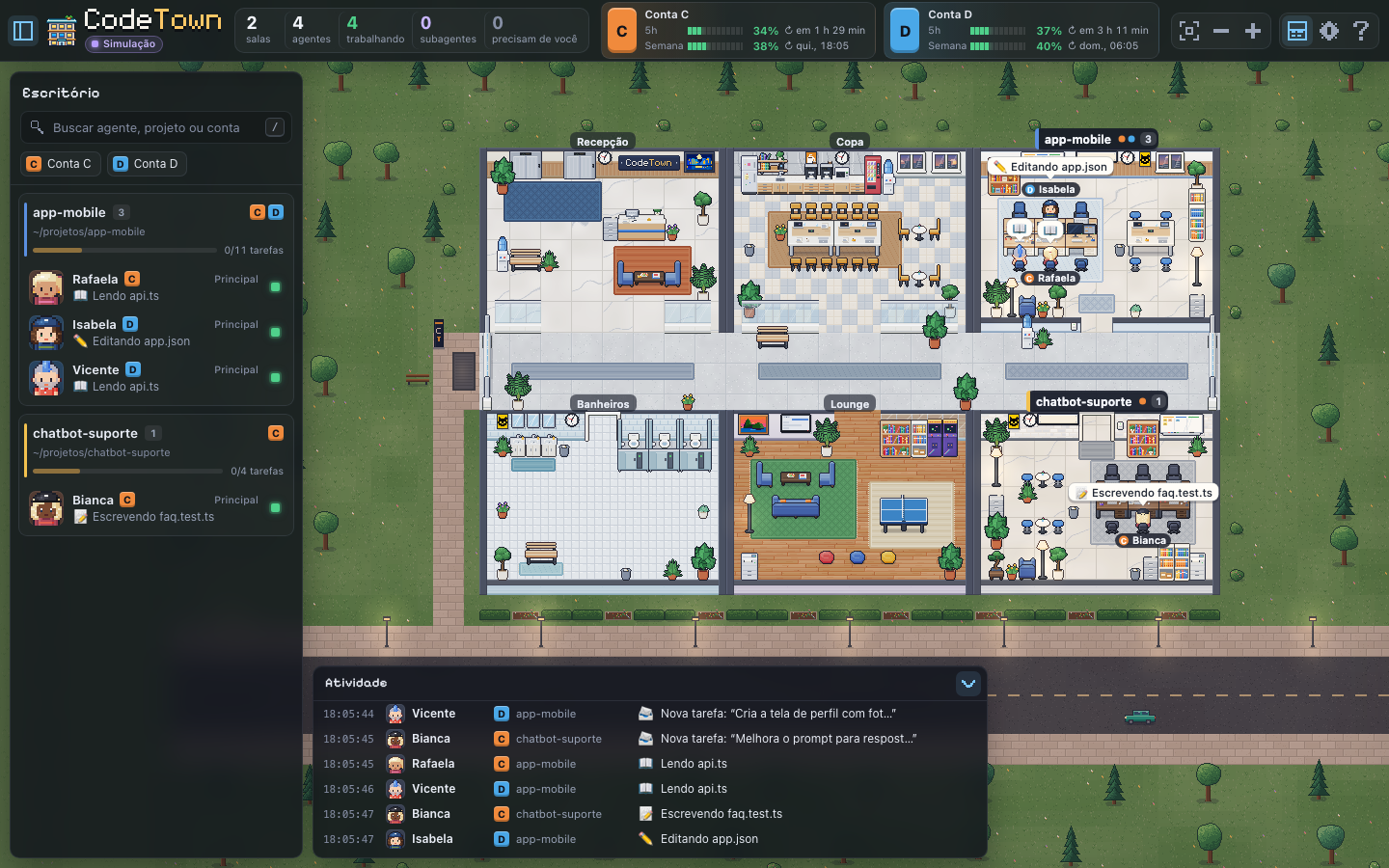
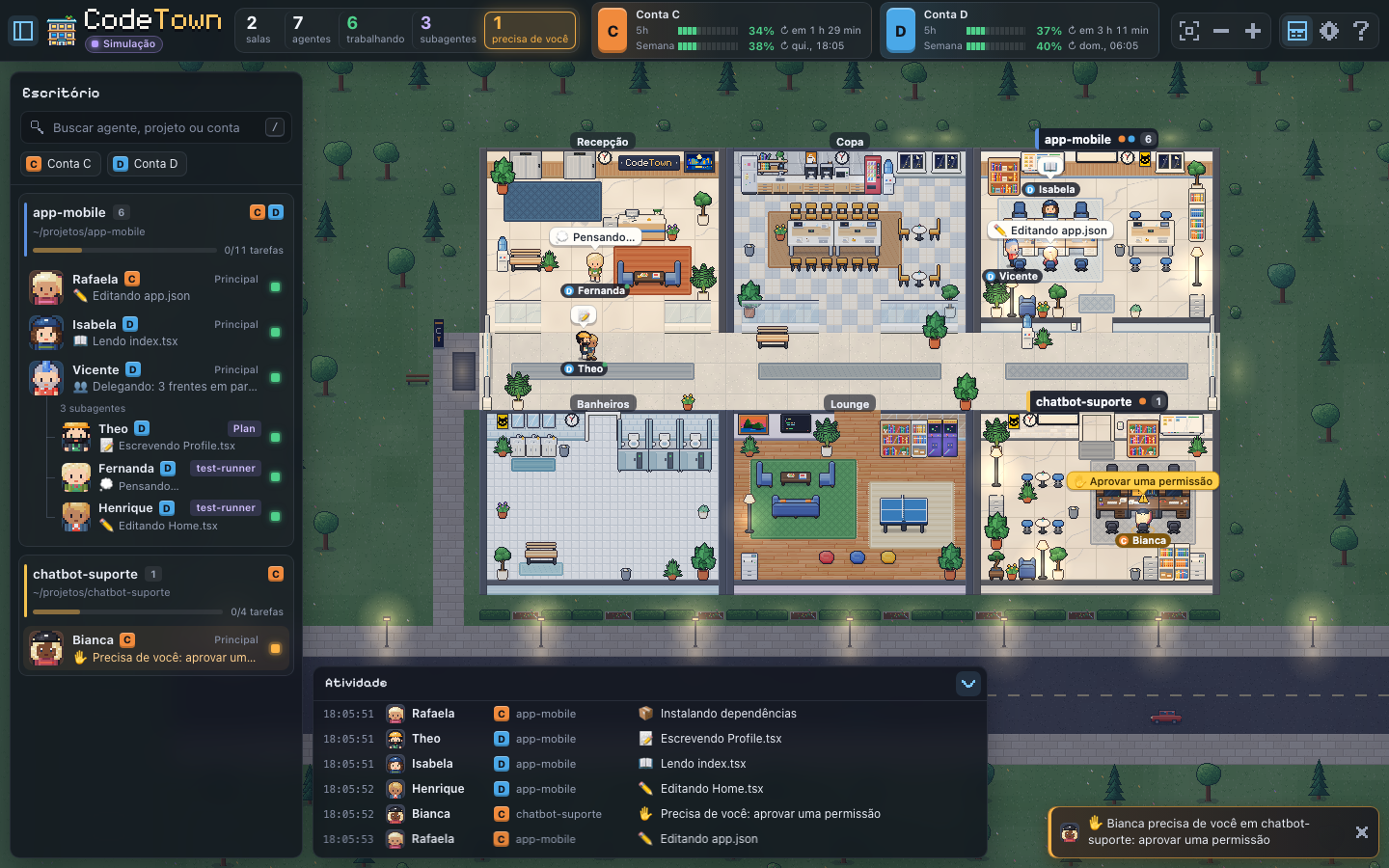

{{ t.myday }}
{{ t.wait_l }}
0 s
{{ t.wait_s }}
{{ t.work_l }}
2 h 16 min

✋{{ t.hero_toast }}
C
{{ t.usage_acc }}
{{ t.usage_5h }}
{{ t.usage_week }}
{{ t.live }}
{{ insTabDesc }}
-
1
{{ t.i_steps.0.0 }}
{{ t.i_steps.0.1 }}
$claude -
2
{{ t.i_steps.1.0 }}
{{ t.i_steps.1.1 }}
-
3
{{ t.i_steps.2.0 }}
{{ t.i_steps.2.1 }}
-
4
{{ t.use_eye }}
{{ t.use_t }}
{{ u.t }}
{{ u.d }}
{{ t.use_tip }}
{{ t.use_note }}
{{ x.t }}
{{ x.d }}
{{ t.prob_eye }}
{{ t.prob_a1 }} {{ t.prob_a2 }}
{{ t.prob_b1 }} {{ t.prob_b2 }}
{{ t.prob_sub }}
{{ t.prob_before }}
{{ t.prob_after }}
{{ t.how_eye }}
{{ t.how_t }}
{{ t.how_sub }}
 Isabela · app-mobile · ✏️
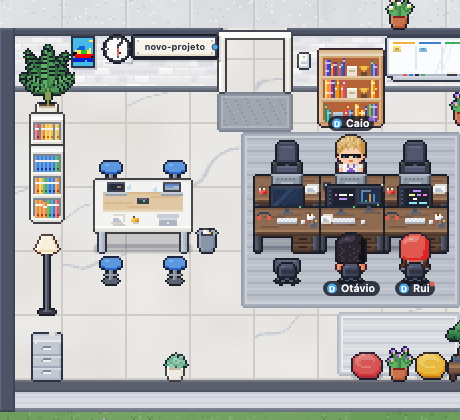
{{ s.n }}
{{ s.t }}
{{ s.d }}
{{ t.how_cta_s }}
> {{ t.hero_chip }}
{{ t.st_eye }}
{{ t.st_t }}
{{ t.st_sub }}
{{ t.ph_eye }}
{{ t.ph_t1 }} {{ t.ph_t2 }}
{{ t.ph_sub }}
{{ o.t }}{{ o.d }}
{{ t.ph_cta }}
{{ t.ph_cta_s }}
✋{{ t.ph_sheet }}
Bash(npm test -- profile)
{{ t.ph_approve }}{{ t.ph_deny }}
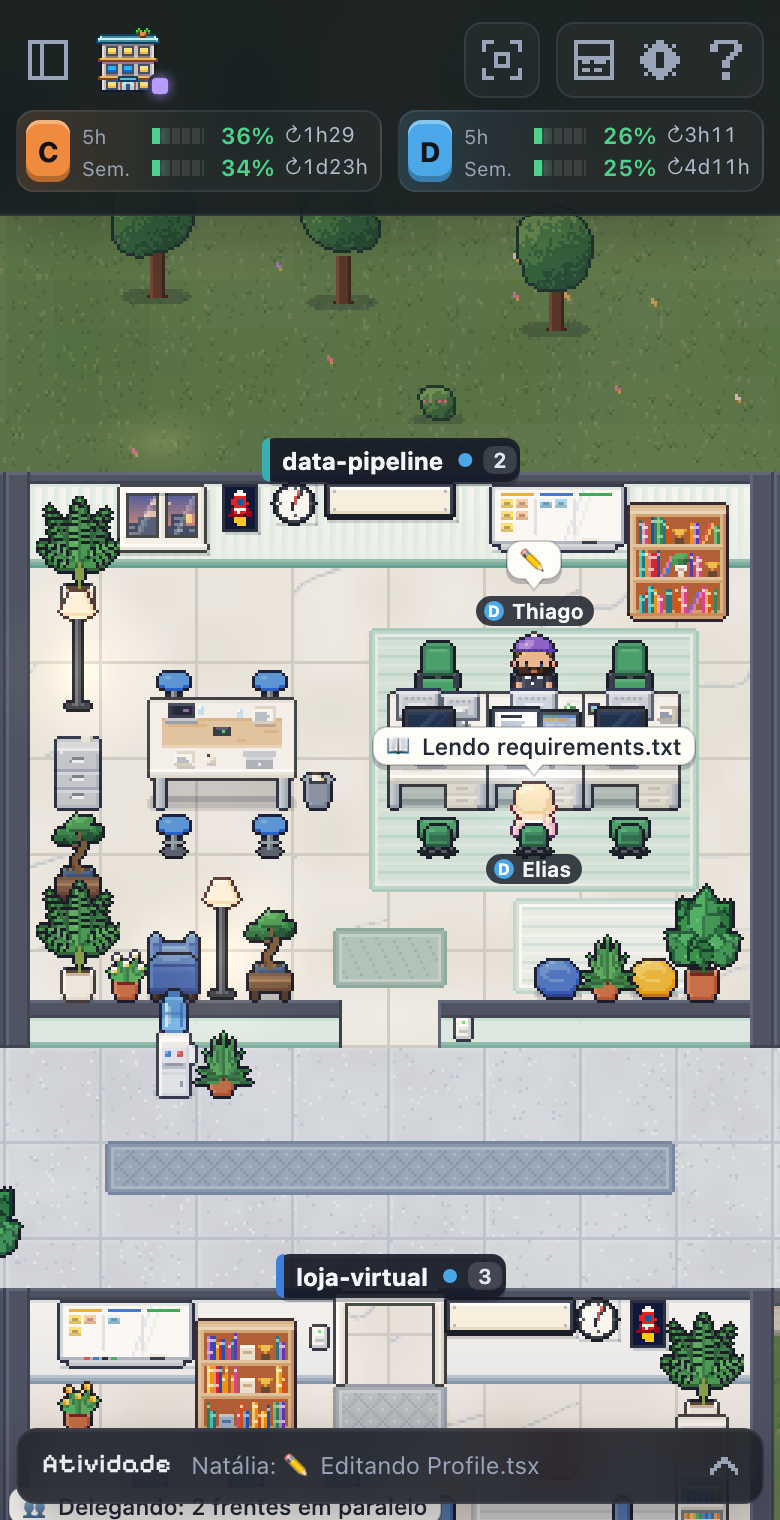

{{ t.ft_eye }}
{{ t.ft_t }}
{{ t.f_day_t }}
{{ t.f_day_d }}
{{ t.wait_l }}
0 s
{{ t.work_l }}
2 h 16 min
{{ t.f_sessions }}
2
{{ t.f_sub }}
{{ t.f_tokens }}
79,6 M
79,5 M in · 129 k out
{{ t.f_hour }}
0h6h12h16h23h
{{ t.f_night_t }}
{{ t.f_night_d }}
{{ t.f_gh_t }}
{{ t.f_gh_d }}
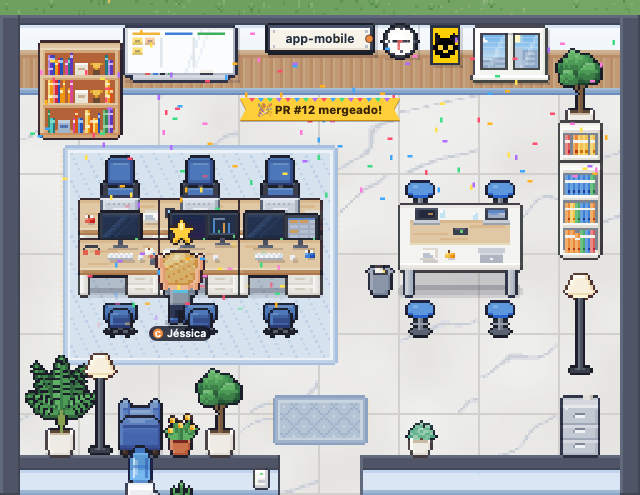
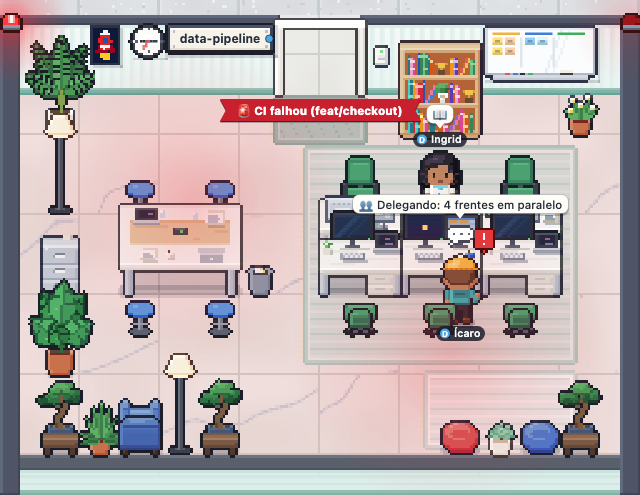
{{ t.f_tl_t }}
{{ t.f_tl_d }}
{{ t.f_acc_t }}
{{ t.f_acc_d }}
{{ u.L }}
{{ u.name }}
{{ r.lab }}
{{ t.f_snd_t }}
{{ t.f_snd_d }}
{{ t.f_keys_t }}
{{ k.k }}
{{ k.lab }}
{{ t.lc_eye }}
{{ t.lc_t }}
{{ t.lc_sub }}
1/4
{{ s.s }}
{{ t.so_eye }}
{{ t.so_t1 }} {{ t.so_t2 }}
{{ t.so_sub }}
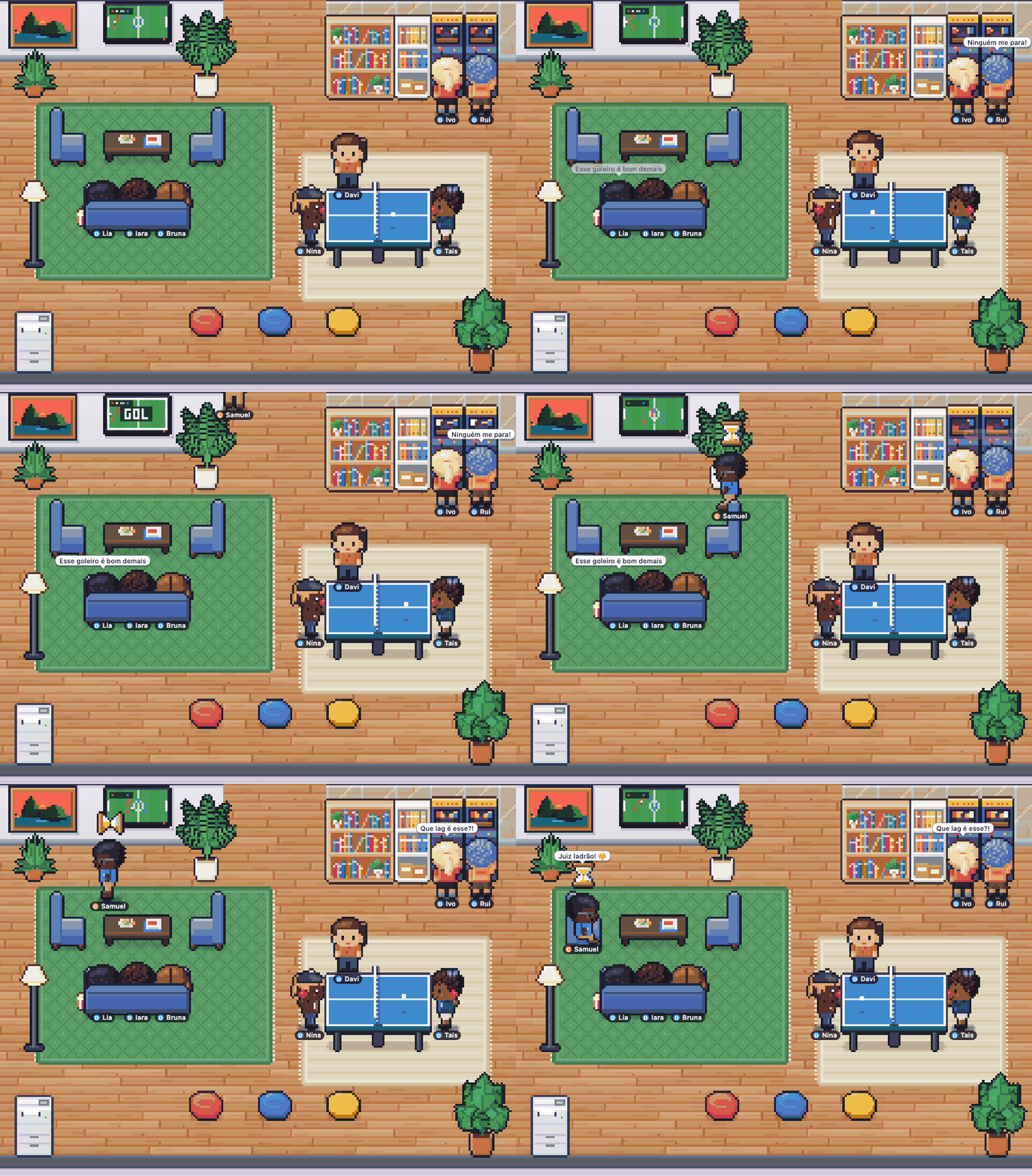
{{ b.txt }}
{{ c.lab }}
{{ t.so_note }}
{{ t.uc_eye }}
{{ t.uc_t }}
{{ c.w }}
{{ c.t }}
{{ c.m }}